Table of Contents
include_toc
| include_toc |
|---|
| true |
Editing the Gitea wiki
Home · All pages · Developer guide
The wiki is the single source of truth for FDS documentation. Its Git
repository is checked out at fds-os.wiki/ inside the OS repository. Edit the
pages here or through Gitea's wiki editor. Both methods change the same wiki
repository; there is no export command, generated wiki, or second manual to
keep in sync.
Read it at the FDS/OS wiki. The main repository's README is only an entry point. Build scripts read the wiki files directly when including documentation in OS, Dasung, workstation and release packages.
Get the documentation locally
A fresh checkout can include both submodules:
git clone --recurse-submodules gitea@192.168.1.193:felis/fds-os.git
cd fds-os
For an existing OS checkout:
git submodule update --init fds-os.wiki
This checks out the documentation revision recorded by the OS repository.
make bootstrap also initializes missing documentation. It leaves an already
populated wiki checkout in place so local edits remain available.
For documentation work without the OS source, clone the wiki directly:
git clone gitea@192.168.1.193:felis/fds-os.wiki.git
The configured SSH host is 192.168.1.193; the browser host is
http://gitea.home.arpa. These addresses belong to the local Gitea server.
Edit and publish
The simplest workflow is Gitea's Edit button on a wiki page. Saving commits the change directly to the wiki repository. Use the Git workflow for changes across several pages or for editing alongside code.
From the OS checkout, with local wiki changes committed before switching branches:
git -C fds-os.wiki switch main
git -C fds-os.wiki pull --ff-only
# Edit fds-os.wiki/*.md and any referenced images.
make wiki-check
git -C fds-os.wiki diff --check
git -C fds-os.wiki diff
Stage the pages you changed and any new images. For example:
git -C fds-os.wiki add Hardware-Setup.md
git -C fds-os.wiki commit -m "Clarify hardware setup"
git -C fds-os.wiki push origin main
The push updates the published wiki directly. No copy, export or import step is
required. If someone edited through Gitea, pull those changes before editing
locally. Resolve divergent edits with normal Git merge or rebase workflows;
pull --ff-only deliberately stops instead of choosing for you.
When the OS checkout should use that documentation revision for builds or a release, record the submodule commit in the parent repository:
git add fds-os.wiki
git commit -m "Update documentation revision"
git push
Publish the wiki commit before publishing a parent commit that references it.
The parent stores a commit pointer, not another copy of the pages. Web edits can
be published independently; update the pointer when selecting the documentation
snapshot to accompany the OS source. Do not run submodule update --remote
across all submodules: the Void source must remain pinned.
Page names and links
All pages and images live at the wiki root. Use English filenames with hyphenated
words and consistent capitalization. Gitea page links omit the .md extension:
| File | Link written inside another wiki page |
|---|---|
Home.md |
[Home](Home) |
Hardware-Setup.md |
[Hardware setup](Hardware-Setup) |
Developer-Build-Host.md |
[Build host](Developer-Build-Host) |
| Section within a page | [First boot](Hardware-Setup#6-power-on-and-reach-the-console) |
Asset-images-fds-control.png |
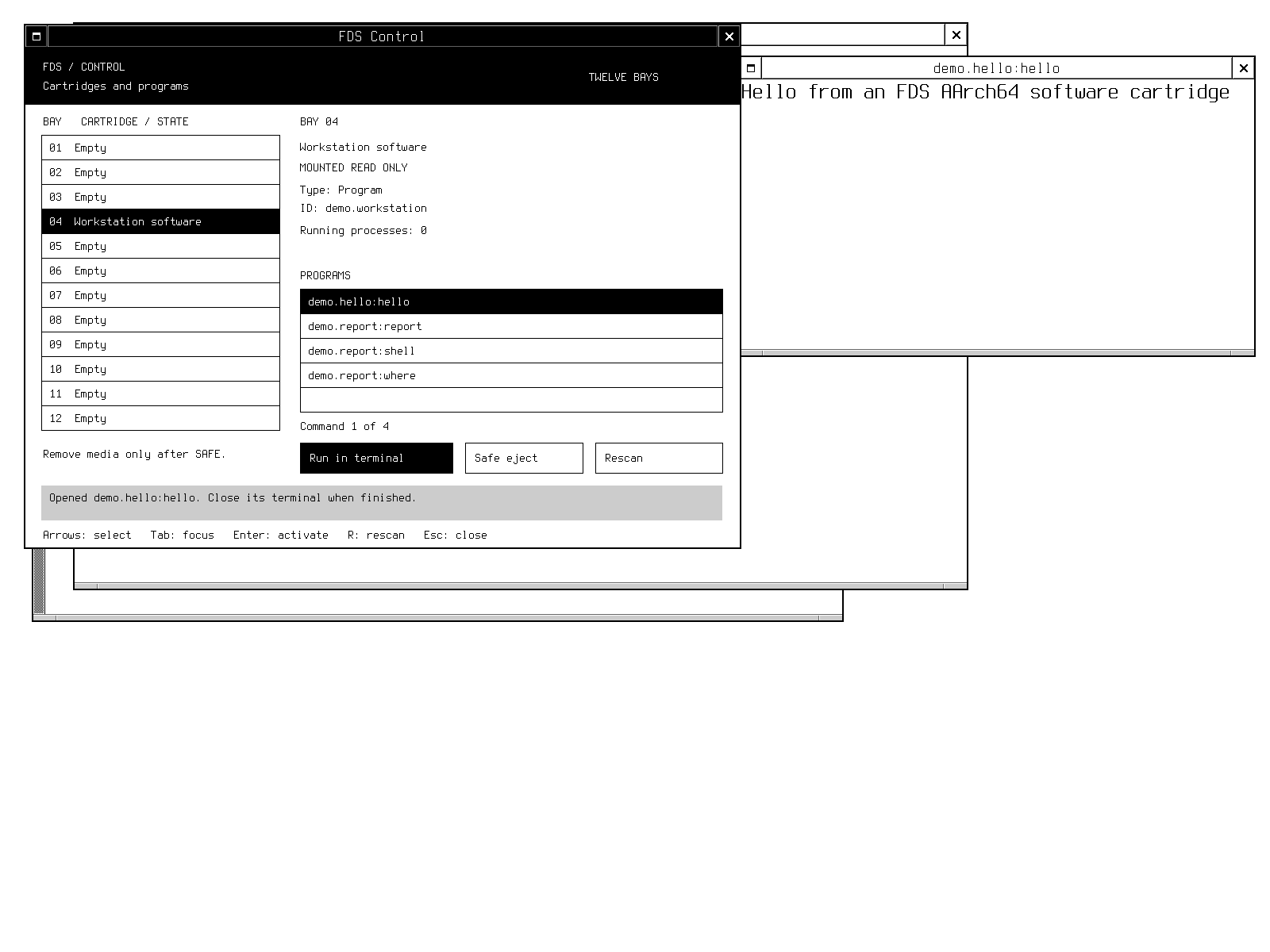 |
These are wiki routes, not ordinary Markdown file paths. When reading the raw
files offline, open the named .md file in this directory. Use the browser wiki
for rendered navigation. Images are committed beside the pages; no external
image host is required.
Start a regular page with the following frontmatter to enable Gitea's section navigation, then add its title:
---
include_toc: true
---

# Page title
Use standard Markdown headings, fenced command blocks and tables. For source
files outside the wiki, use a complete browser URL, for example
the machine bay configuration.
A path such as ../config/machine/bays.toml would resolve inside the wiki.
Generated out/, .host/ and target/ artifacts are local evidence, not published
wiki attachments. Describe their paths as code and identify the relevant build;
do not link to files that Gitea cannot serve.
Navigation and checks
Home.mdis the landing page; capitalization matters.Overview.mdexplains the project and the main workflows.Page-Index.mdlists every content page. Add new pages here._Sidebar.mdprovides task-oriented navigation. Add commonly used guides here._Footer.mdprovides common navigation and the historical-evidence note.Developer-*pages contain design references and acceptance history.
From the parent checkout, make wiki-check checks page names, the page index,
local links, section anchors, images and links into the source repository.
make check includes this check. It does not modify or publish documentation.
No additional dependencies are needed beyond the build host's Python 3.
Installed documentation and release archives are build outputs copied from this wiki. Edit the wiki source, then rebuild the package to refresh those copies. Frozen historical releases keep their original documentation and acceptance records. Their measurements do not validate changed sources.
Gitea format references
The format follows the server's Gitea 1.27 wiki behavior:
FDS/OS
Start here
Use the computer
- Use cartridges and run programs
- DATA and persistent files
- WindowMaker and FDS Control
- Dasung Paperlike display
Install and maintain
- Flash disk images
- Internal storage and machine settings
- Pi 5 EEPROM configuration
- Recovery and rollback
- Verify a release
- Reclaim build space
- Troubleshooting
Build and contribute
Home · All pages · Edit the wiki · Source repository
Maintained directly in the fds-os.wiki repository. Historical acceptance applies only to the source and artifacts identified in each record.